There is a specific kind of panic that sets in when you are sipping an espresso in a sun-drenched square in Verona, and you suddenly realize your next sit in Cortona starts tomorrow, not Tuesday.
We wish we could say this is a hypothetical scenario, but early in our house sitting journey, we played a dangerous game of "I’ll just remember the dates."
When you live your life in 2-week to 3-month blocks, moving from a 19th-century farmhouse to a modern city apartment, organization isn't just a nice-to-have; it’s survival.
We treat our schedule like a traveling circus, the tent has to come down in one city and go up in another with zero friction. After hundreds of days on the road and 14+ sits across eight countries, we’ve moved past sticky notes. Here is how we use technology to coordinate multiple engagements without losing our minds (or missing a handover).
The Core Problem: Why Isn't There a "Sync" Button?
First, let’s address the elephant in the room. Whether you are using Trusted House Sitters or smaller local platforms, most house sitting websites have a glaring flaw: they rarely have a native "Add to Calendar" button that syncs automatically with your phone.
It seems counterintuitive in 2025, but it is often a security feature. Platforms want to keep data internal. This means if you are trying to juggle three upcoming sits, you are often left manually typing dates. This manual entry is where mistakes happen. However, we have found a few workarounds and apps that make this seamless.

1. The "Master" Brain: Google Calendar (with a Twist)
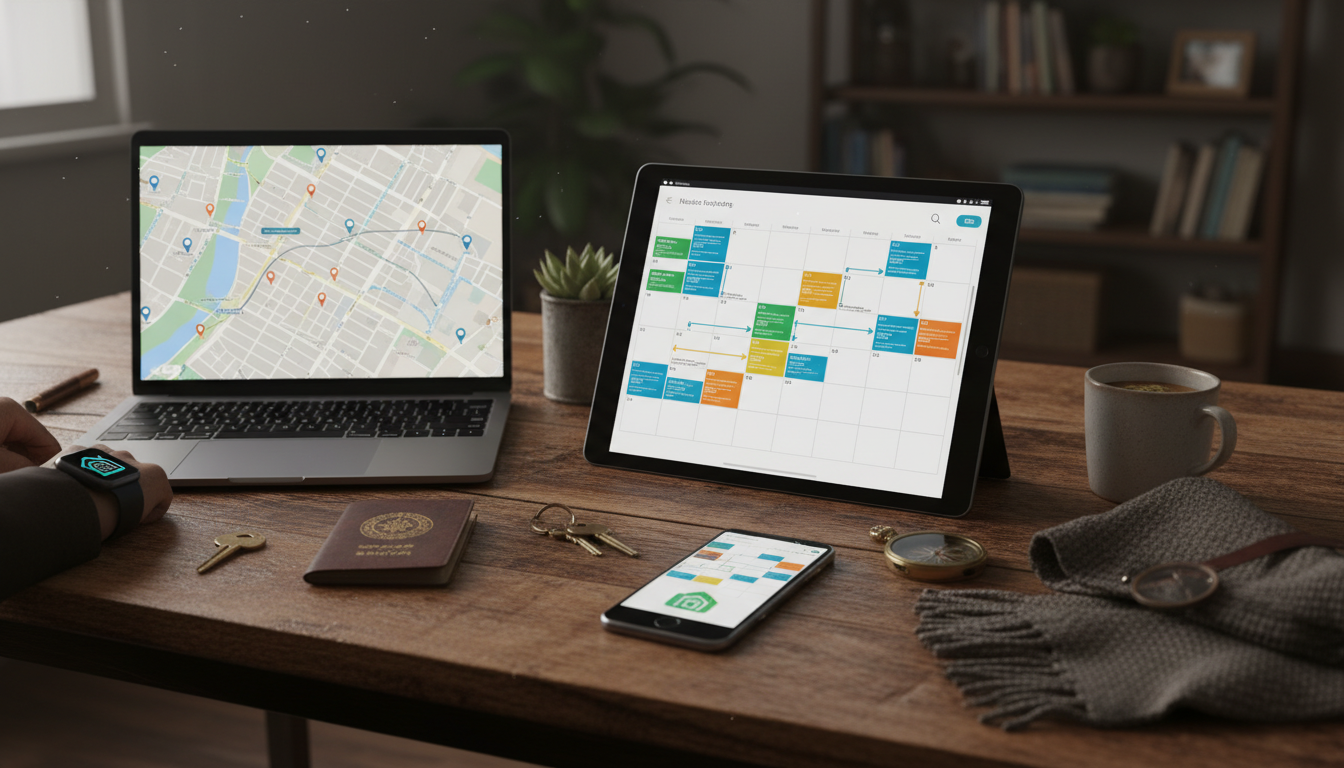
It sounds basic, but Google Calendar is the bedrock of our existence. However, you can't just throw dates in there willy-nilly. We use a strict color-coding system:
Green: Confirmed house sits (Start and End dates include the specific handover times).
Yellow: Pending applications (Sits we have applied for but haven't secured yet).
Red: Travel days (Transit buffers).
We share this calendar between us. If it isn't on the calendar, it doesn't exist. This is also where we note the address and the homeowner's WhatsApp number in the "Notes" section. When you are moving often, looking up house sitting opportunities on the fly requires having that data offline.
2. The Automation Hack: Zapier + Email Parsing
This is the "pro" tip that changed the game for us. Since platforms don't export dates, we use Zapier. You don't need to be a coder to use it.
Here is the workflow: When we get a "Confirmed House Sit" email from a platform like Mind my house or Trusted House Sitters, we have a "Zap" (an automated task) set up. Zapier uses an email parser to scan the email for dates and locations. It then automatically creates a Google Calendar event for us.
It takes a little setup, but it eliminates human error. If you are managing back-to-back sits, this automation ensures you never accidentally book a flight for the wrong day.
3. The Logistics Manager: TripIt
Once the dates are locked, the reality of the "in-between" sets in. We often chain sits together, meaning we leave one house at 10:00 AM and need to be at the next one by 5:00 PM.
We use TripIt to aggregate our travel plans. It pulls in our train tickets, flight confirmations, and even campervan reservation numbers if we are renting. It visualizes the travel time, which helps us see if a connection is too tight.
Travel logistics are crucial because who pays for travel to a house sit is almost always the sitter. Missing a connection because you didn't account for a 2-hour layover buffer is an expensive mistake we only made once.

4. Task Management: Todoist
Dates are one thing; responsibilities are another. A calendar tells you where to be; Todoist tells us what to do.
For every sit, we create a project in Todoist. We populate it with reminders based on our initial chats with the owners.
2 weeks before: Send a confirmation message to owners.
1 week before: Confirm arrival time and ask what to tell customs when you're house sitting abroad.
Arrival day: Check for the welcome gift for house sitters (just kidding… mostly) and get the Wi-Fi code.
We also use this to track pet meds. If a cat needs insulin at 8:00 AM sharp, Todoist pings both our phones. It helps us maintain the routine that owners expect.
5. The Transit Buffer: Citymapper or Rome2Rio
One of the biggest mistakes we see new sitters make is assuming they can teleport from Sit A to Sit B. If a sit ends in London at noon and the next starts in Paris at 4 PM, you are cutting it fine.
We use Rome2Rio to calculate realistic travel times between doorsteps, not just airports. This app helps us decide if we need a "bridge night" in a hotel or if we can make it in one go. If you are trying to travel affordably across the US or Europe, knowing the exact transit duration prevents the awkward call to a homeowner explaining you're stuck on a train three hours away.
Communication is the Ultimate App
While these apps keep us organized, they don't replace direct communication. We use WhatsApp for 99% of our chats. We create a group chat with the homeowners immediately upon confirmation.
We also use Whatsapp for a video chat for a "vibe check." We treat this like a job interview. We want to see the pets, the house, and ensure there are no red flags in a pet sitter listing (like a homeowner who refuses to show the bedroom).
Final Thoughts
Living rent-free in exchange for pet cuddles is a dream, but the logistics can be a beast. By using a master calendar, automating your confirmations, and realistically buffering your travel time, you turn the chaos into a well-oiled machine.
We used to scramble to find addresses in our email trash folder while standing in the rain. Now, our phones tell us where to go, when to feed the dogs, and when our train leaves. It leaves us more time to enjoy the view—whether that's a harbor in Sydney or the Alps in Switzerland.
Good luck with your planning, and if you want more tips on the nomad lifestyle, check out our guide on the best house sitting apps for nomads and travelers.
Caro & Konrad 🐾🚐 DM us @housesittersguide if you have questions — we answer everyone!

Can I automatically sync TrustedHousesitters dates to my Google Calendar?
No, most platforms like TrustedHousesitters do not have a native "export to calendar" button due to privacy reasons. However, you can use tools like Zapier to parse the confirmation emails and automatically create calendar events for you.
How much time should I leave between house sits?
We recommend a minimum buffer of 24 hours between sits if they are in different cities. This accounts for travel delays and allows you to reset. If the sits are in the same city, a 4-hour window is usually sufficient for transit.
What is the best app for tracking pet medication and feeding schedules?
We prefer using Todoist or shared Apple Reminders. You can set recurring daily tasks (e.g., "Feed Max 82g at 8 AM") that alert both sitters, ensuring nothing is missed.
Do I need a specific travel app for coordinating international sits?
Yes, apps like TripIt or Rome2Rio are essential. They help you visualize the total travel time between doorsteps, rather than just flight times, preventing logistical overlaps.
Is it safe to put house sitting addresses in a digital calendar?
Generally, yes, provided you use a secure account (like a private Google Calendar) and do not share the calendar publicly. Avoid putting entry codes or alarm passwords in the calendar event; keep those in a secure password manager or offline note.