The video upload bar is stuck at 99%. You’re standing in the hallway, holding your phone up to get better signal, trying to send a cute clip of the dog playing fetch. The homeowner is waiting for an update. But the house sitting app just won't process the file. It crashes. You have to start over.
If you have ever relied solely on a platform's built-in messenger, you know this frustration. Managing appointments and communications purely through a house sitting app can feel clunky and slow.
Honestly, after the numerous house sits that Caro and I have done, we realized something crucial. The app is for the contract; the phone is for the connection.
Here is exactly how we manage our communications to keep homeowners happy and our stress levels low.
The "App-to-WhatsApp" Strategy
Most people ask if they should stay on the official app or move to a private chat. The short answer? You need both, but for different things.
We always start on the official platform. This is vital for security and establishing the agreement. However, the moment a house sit is confirmed, we suggest moving the conversation to WhatsApp.
Why? Because it is simply much more convenient. Most platforms have file size limits that make sending high-quality videos or multiple photos a nightmare. WhatsApp lets you share those big files quickly, and most homeowners have notifications turned on, so they don't miss your updates.
How to make the switch politely:
You don't want to seem pushy. We usually use a simple script once we know we are interested in the sit:
"Hi! Would you like a quick call so we can see if we are compatible for this sit opportunity? Here is my WhatsApp number."
If they say yes, great. If they prefer to stay on the app, we respect that. But 99% of the time, they are relieved to switch to a faster messaging tool.
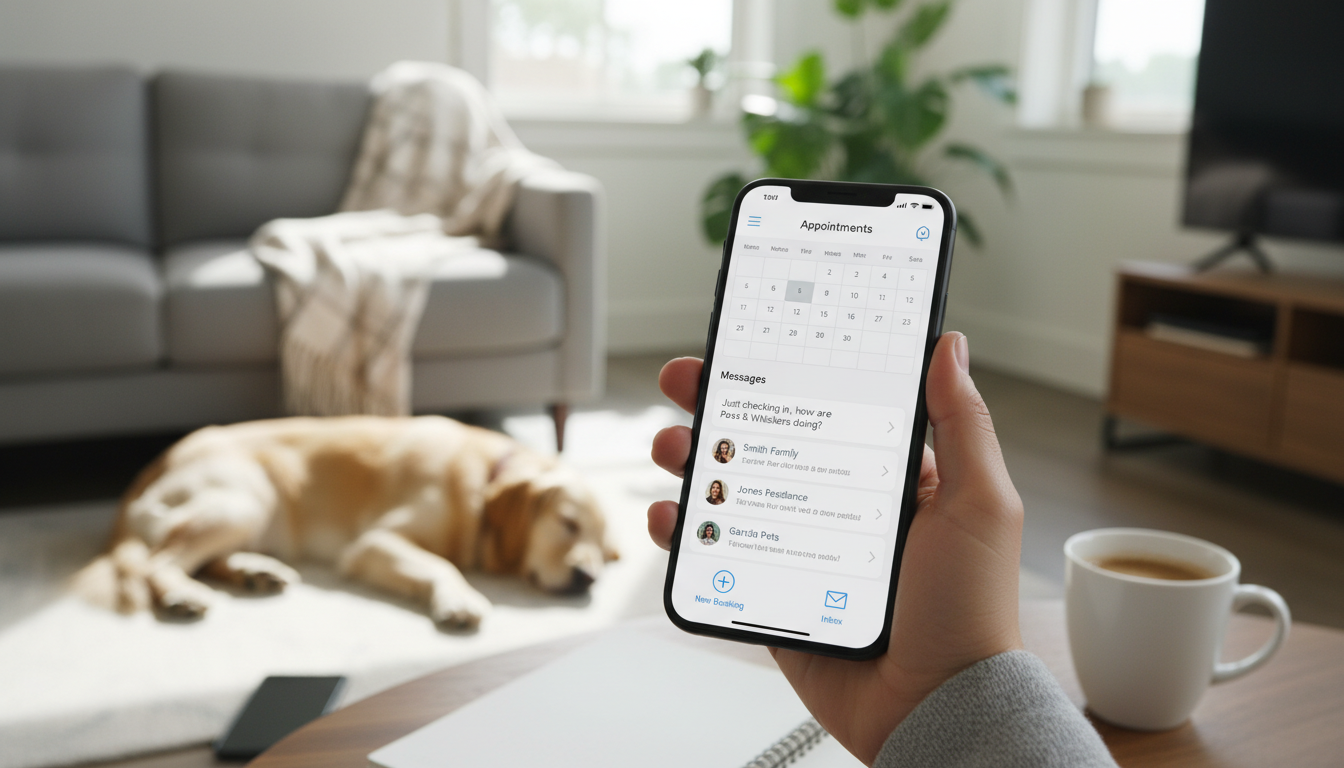
Safety and Personal Numbers
A common worry we hear is whether it is safe to give out a personal phone number before a booking is officially set in stone.
Think about it this way: You are literally going to be living in their home, or they are coming to yours. How much more personal can that get?
If you are worried about privacy, you can always ask to remain on the platform until the official booking is made. But generally, sharing a number is a standard part of building trust.
However, never ignore safety basics. Always ensure you are using platforms with verified reviews before handing over too much personal data. It helps to check out house sitting safety tips to spot red flags early.
The Daily Update Routine
Once the sit begins, the "management" part is mostly about communication. How often should you message?
It really depends on the homeowner. Some get anxious and want daily proof that their pets are happy. Others are on a remote island and only want to hear from you if the house is on fire.
Our Rule of Thumb:
Short Sits (under a week): We send daily updates. Photos, videos, and a quick text.
Long Sits (a month or more): We start with daily updates to build trust. After a week or so, we taper off to every few days, unless something funny happens.
It is always better to over-communicate than under-communicate. Ask them before they leave: "How often would you like updates?" This simple question solves so many problems.
If you are looking for more house sitting opportunities, having a reputation as a great communicator is your best asset.
Using the App for the "Official" Stuff
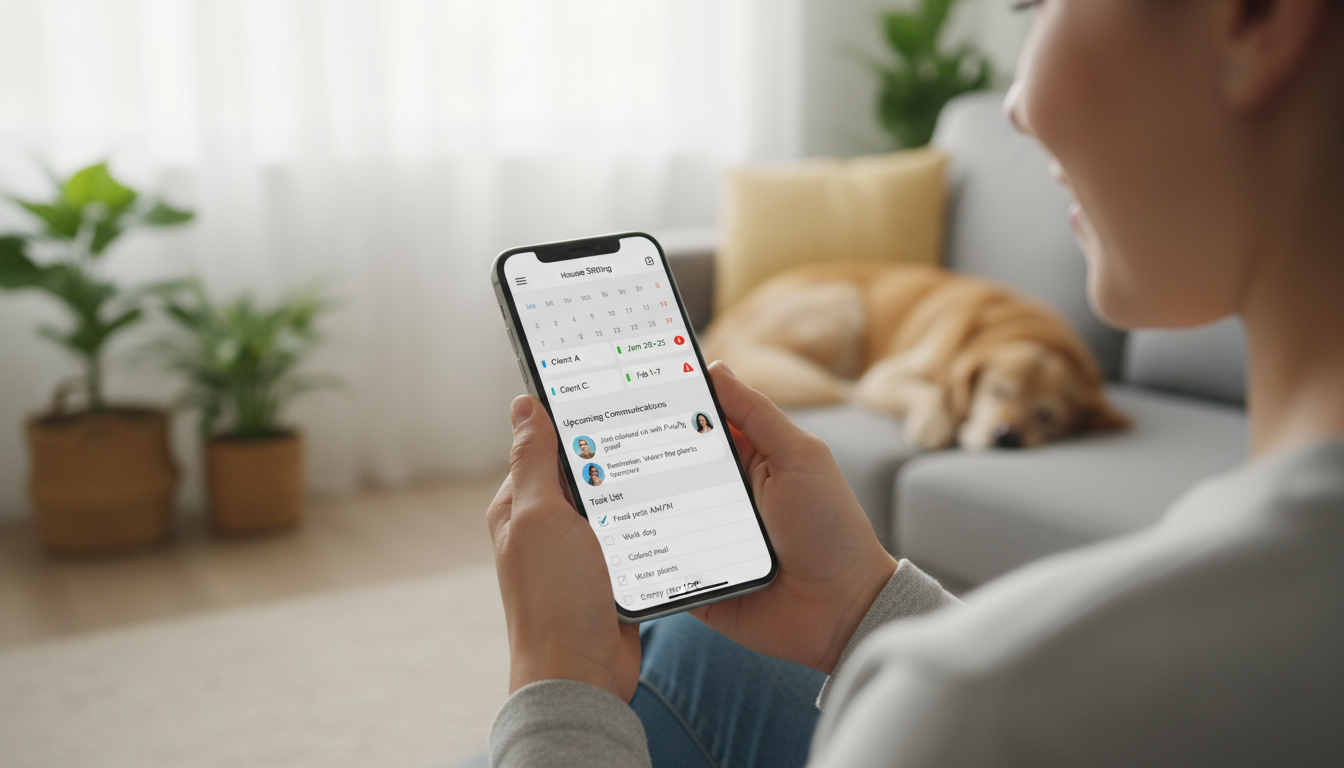
Even though we do our daily chatting on WhatsApp, we never abandon the official app completely. We use the platform for the "skin in the game."
The official confirmation needs to happen on the site. This is what covers you under their terms and ensures you can collect a review later. Whether you are using Trusted House Sitters or browsing other House Sitting Sites, that official digital paper trail is non-negotiable.
Also, keep your chat history. Even on WhatsApp, we never delete the chat immediately after a sit. I would keep them as proof of conversations. You can always archive the chat if you don't plan to talk to them again, but having that record is smart.
Closing the Loop: Getting the Review
The final step of managing the appointment happens back on the app.
When the sit is done, the daily WhatsApp photos are finished. Now, wait for the notification from the app asking you to leave a review. This usually happens the day after the sit ends.
Switch back to the platform, leave your honest feedback, and this usually prompts the owner to do the same for you.
If you are just figuring out how to get started in house sitting, remember that reviews are your currency. By managing the communication smoothly on WhatsApp, you ensure the homeowner is happy, which leads to those 5-star reviews on your profile.
If you have more questions about managing sits, feel free to DM us @housesittersguide. We answer everyone!
Konrad and Caro 🐾

Is it better to use the house sitting app or WhatsApp for communication?
It is best to use both. We recommend using the official app to confirm the booking and establish the contract. Once that is done, ask the homeowner if they would like to switch to WhatsApp. It is much more convenient for sharing large video files, photos, and quick daily updates.
Is it safe to give my phone number to a homeowner I haven't met?
Generally, yes. Remember that you are agreeing to live in their home, which is a very high level of trust. Sharing a phone number is standard. However, if you feel uncomfortable, you have every right to keep communication strictly on the platform until you feel ready.
How do I ask a homeowner to switch to WhatsApp without being rude?
Keep it simple and helpful. We usually say, "Hi, would you like a quick call to see if we are compatible? Here is my WhatsApp number." This offers them a convenient way to connect without demanding it. If they say yes, you can move the conversation there.
How often should I send updates to the homeowner?
This depends on the length of the stay and the owner's preference. For short stays, we send daily updates. For sits lasting a month or longer, we start with daily updates and then switch to every few days. Always ask the homeowner beforehand what frequency they prefer.
Should I delete my text history after the house sit is over?
No, we recommend keeping the chat history. It serves as proof of your conversations and agreements. If you want to clean up your phone, simply archive the chat instead of deleting it. You never know when you might need to reference a past instruction.