Imagine standing in your hallway, suitcase packed, passport in hand, and the excitement of a month-long stay in a Spanish villa bubbling in your chest. You’ve booked the flights, you’ve told your boss you’re offline, and you’ve even bought treats for the dog you’re about to meet. Then, your phone buzzes.
It's a message from the homeowner: "So sorry, we have to cancel."
Just like that, the dream trip evaporates. Or perhaps the tables are turned maybe you have a family emergency and need to bail on a sit, but you can't find a "Cancel" button anywhere on the app.
We have been on both sides of this chaotic equation. In our last guide, we looked at pricing plans for premium services, but even the most expensive membership can't always prevent life from getting in the way.
Here is the honest truth about how to navigate the messy world of cancellations and rescheduling without ruining your reputation (or your wallet).
The "Missing Button" Mystery
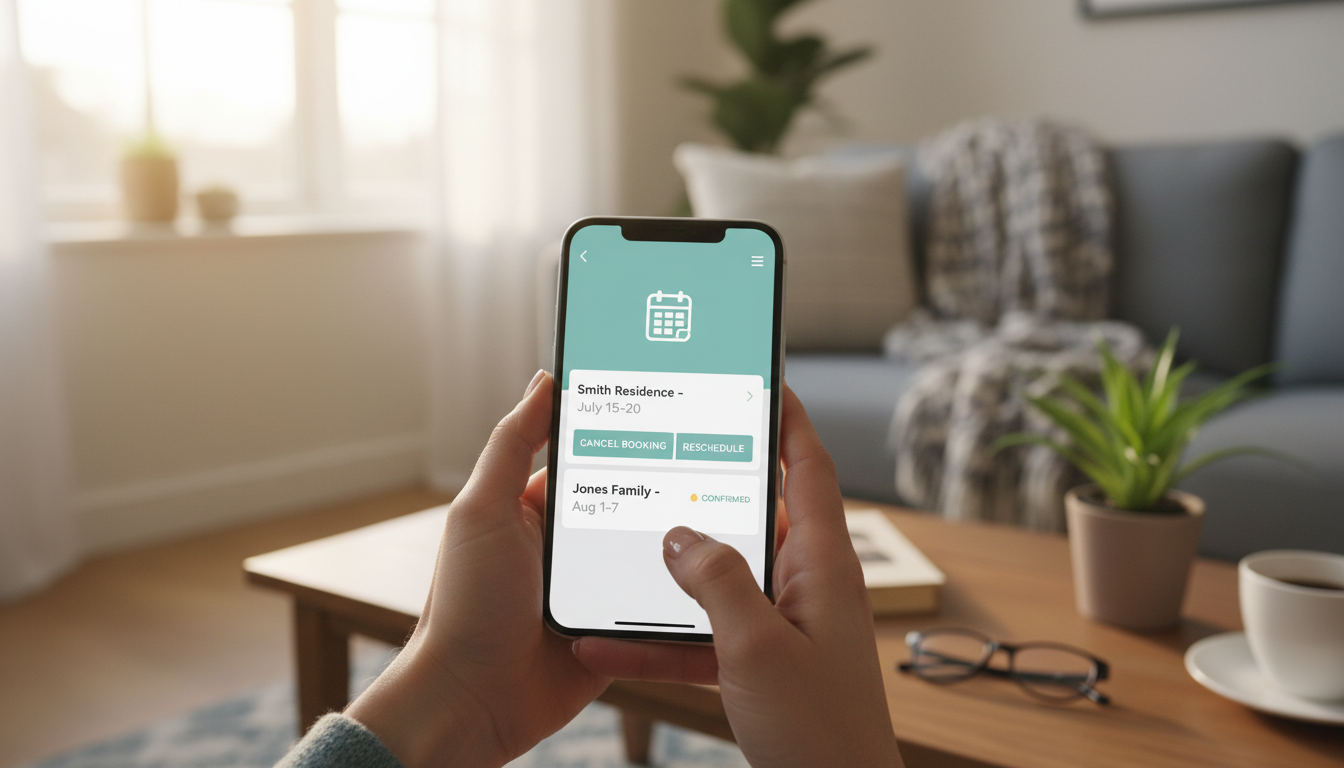
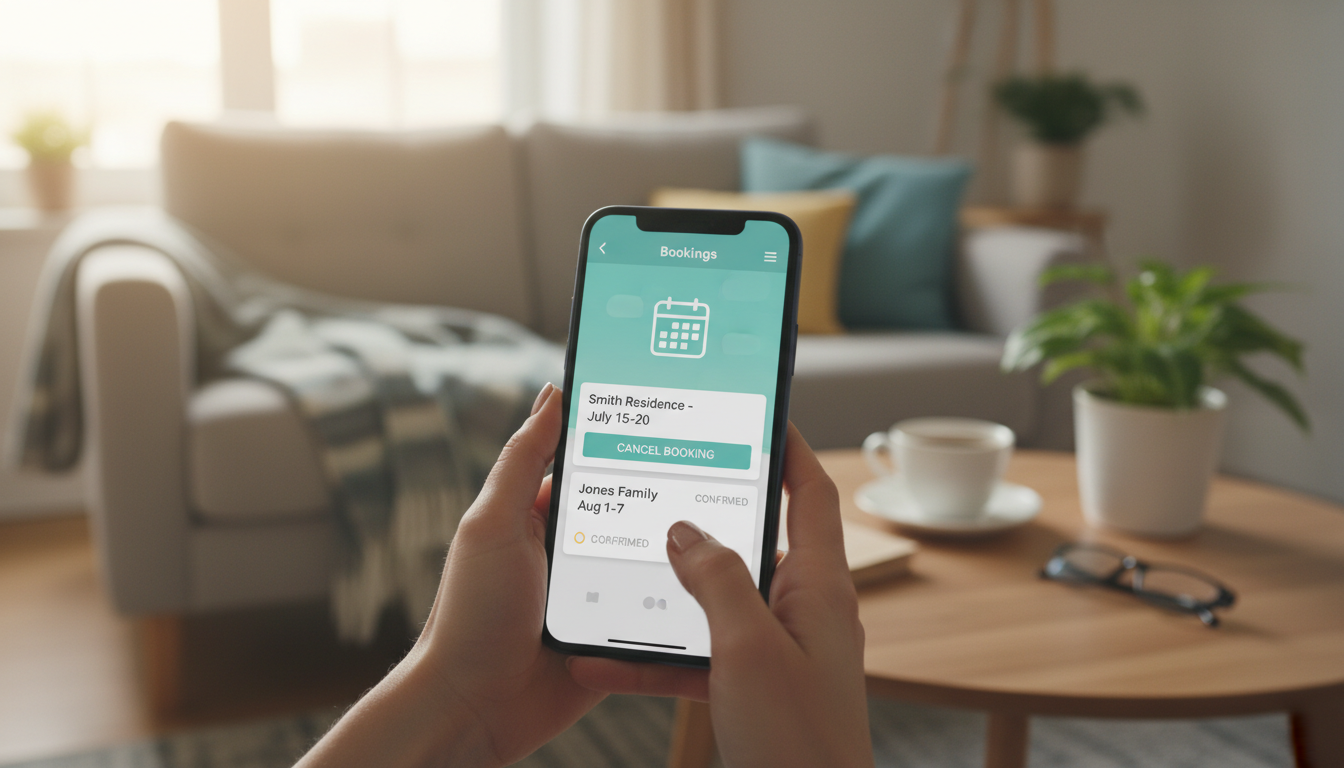
If you are using major platforms like Trusted House Sitters, you might have noticed something frustrating. As a confirmed sitter, you log into your dashboard to cancel a booking, and… nothing. There is no button.
Why?
It feels unfair, right? We recently experienced this firsthand. We had signed up for a house sit, had a great chat with the owners, accepted the offer, and cleared our entire schedule. Then, a week before the sit, we got a message. The owners wanted to cancel because their adult son was feeling sick and wanted to stay home while they were away.
We essentially had to say, "Okay." Next minute, we got a notification that the sit was cancelled.
It showed us that the power dynamic is often tilted toward the homeowner. They can cancel with a click. But as sitters, if we need to cancel, we usually have to message the owner and ask them to initiate it, or contact Member Services directly.
This "friction" is designed intentionally by the apps. They want to make it difficult for sitters to flake on pets. But it does mean you need to communicate clearly if you are the one who needs to back out.
What Counts as a Valid Excuse?
There is a big difference between "I found a cheaper flight" and "I broke my leg."
If you cancel a sit, you risk getting a strike on your house sitting profile or even being banned. To avoid this, your reason usually needs to fall under "Extraordinary Circumstances."
Based on the terms of service for most major platforms, here is the breakdown:
What usually counts:
Serious Illness: You or an immediate family member is hospitalized or incapacitated.
Death: A death in the immediate family.
Natural Disasters: Fires, floods, or government travel restrictions preventing you from reaching the home.
What usually DOESN'T count:
Work Conflicts: Your boss called a sudden meeting? Unfortunately, that is considered poor planning on your part, not an emergency.
Change of Mind: Decided you’d rather go to Bali than Boston? That’s a code of conduct violation.
If you have a legitimate emergency, offer proof to the platform immediately to protect your account status.
The Nightmare Scenario: Arriving at a Dirty Home
This is the question nobody wants to ask, but everyone worries about. What happens if you arrive, the owner leaves, and you realize the house is filthy or unsafe?
This is a critical aspect of house sitting safety. You cannot just walk out the door, or you could be accused of abandoning the pets.
Here is the protocol to protect yourself:
Document Immediately: Do not clean anything yet. Take photos and videos of the conditions (flea infestations, mold, hazardous waste).
Contact Member Services First: Before you tell the owner you are leaving, contact the platform's support line. Send them the evidence.
The "Suitability" Clause: Most terms of service require owners to provide a livable environment. If they breach this, you are entitled to cancel.
Communicate: Once support is notified, tell the owner the living conditions are not what was agreed upon.
If you skip these steps and just leave, the owner can leave a scathing review claiming you abandoned their animals. Always get the platform on your side first. This is why we always recommend using platforms with verified reviews, it helps you avoid these homes in the first place.
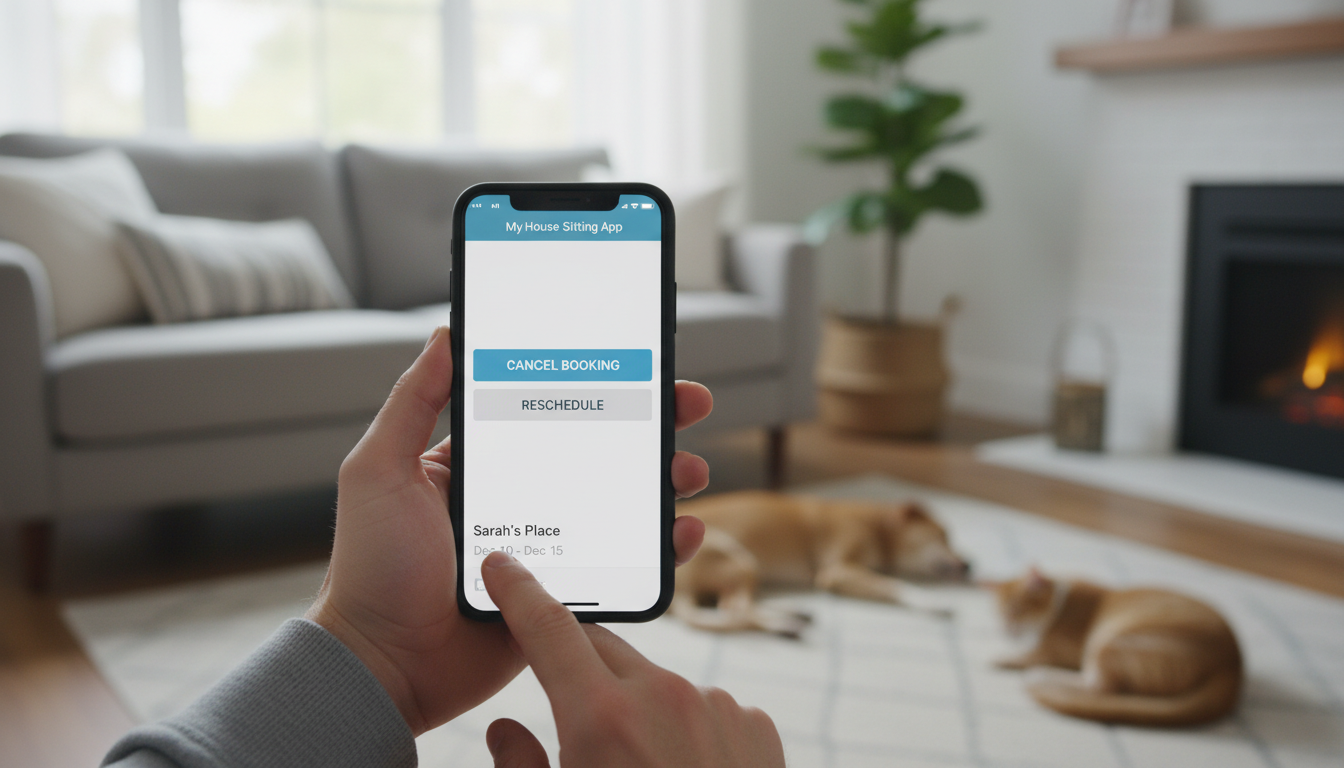
How to Cancel Without Burning Bridges
Sometimes, you just have to cancel. Maybe it’s not a "medical emergency," but you simply cannot make it. How you handle this determines if you ever get hired again.
The golden rule? Be honest, and don't leave it for the last minute.
If you have to have that awkward conversation, here is a template we have used to keep things professional:
"Hi [Owner Name], I am so incredibly sorry to do this, but due to [reason], I won't be able to make it to the sit on [Dates]. I wanted to tell you immediately so you have the maximum amount of time to find a replacement. I know this is stressful, and I apologize for the disruption."
Dealing with Long-Term Rescheduling
If you have booked a long stay, say, one month in a French Chateau and you need to shift the dates or reschedule, the financial stakes are higher.
We are often asked: "If I reschedule, should I offer to pay the owner's re-listing fee?"
Honestly, it makes sense to get in contact with the house owner and discuss everything openly. While most platforms like Trusted House Sitters or Aussie House Sitters allow owners to re-list dates easily, offering to cover a premium upgrade or a fee is a very nice gesture.
Usually, they will just appreciate the honesty and handle the re-listing themselves, but the offer shows you respect their time.
The Bottom Line
Cancellations are the worst part of this lifestyle. Whether you are looking for house sitting opportunities in Canada or a beach stay in Australia, plans will eventually go wrong.
The key is over-communication. The moment you sense a change in plans, speak up. It keeps the community trustworthy and keeps your profile safe for the next adventure.
Caro & Konrad 🐾🚐

Why can't I cancel a confirmed sit directly through my dashboard on apps like TrustedHousesitters?
Most platforms restrict sitters from unilaterally cancelling to prevent last-minute "flaking" on pets. Once a sit is confirmed, you typically must contact the homeowner or Member Services to initiate the cancellation process. This friction is intentional to ensure communication happens before the booking is dropped.
What should I do if I arrive at a sit and the house is dirty or unsafe?
Do not leave immediately. First, document the condition of the home with photos and videos. Contact the platform's Member Services right away to report the "unlivable conditions" and share your evidence. This protects you from being accused of abandoning the pets and prevents retaliatory bad reviews.
What counts as a valid excuse to cancel a sit without getting a penalty strike?
Be honest and do it as soon as possible. Do not wait until the last minute. Send a polite message explaining the situation and apologizing for the disruption. This gives the owner the maximum amount of time to find a replacement and helps preserve your reputation.
How should I tell a homeowner I need to cancel or reschedule?
Be honest and do it as soon as possible. Do not wait until the last minute. Send a polite message explaining the situation and apologizing for the disruption. This gives the owner the maximum amount of time to find a replacement and helps preserve your reputation.
If I have to reschedule a long-term sit, should I offer to pay the owner's re-listing fees?
It is not mandatory, but it is a very nice gesture. Offering to cover any costs associated with re-listing shows that you respect the owner's time and the inconvenience you've caused. However, in many cases, if you communicate well, owners will handle the re-listing themselves without asking for payment.