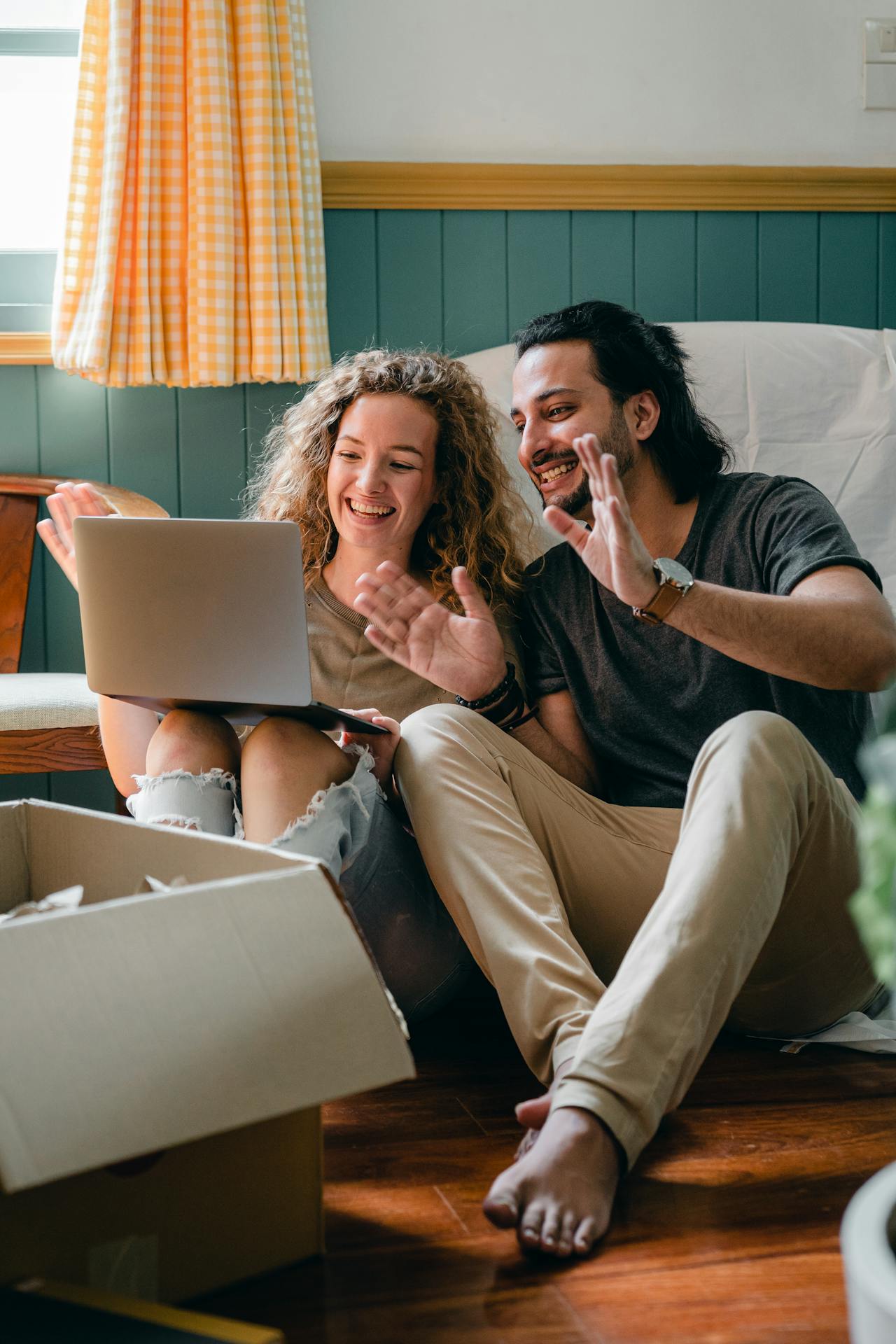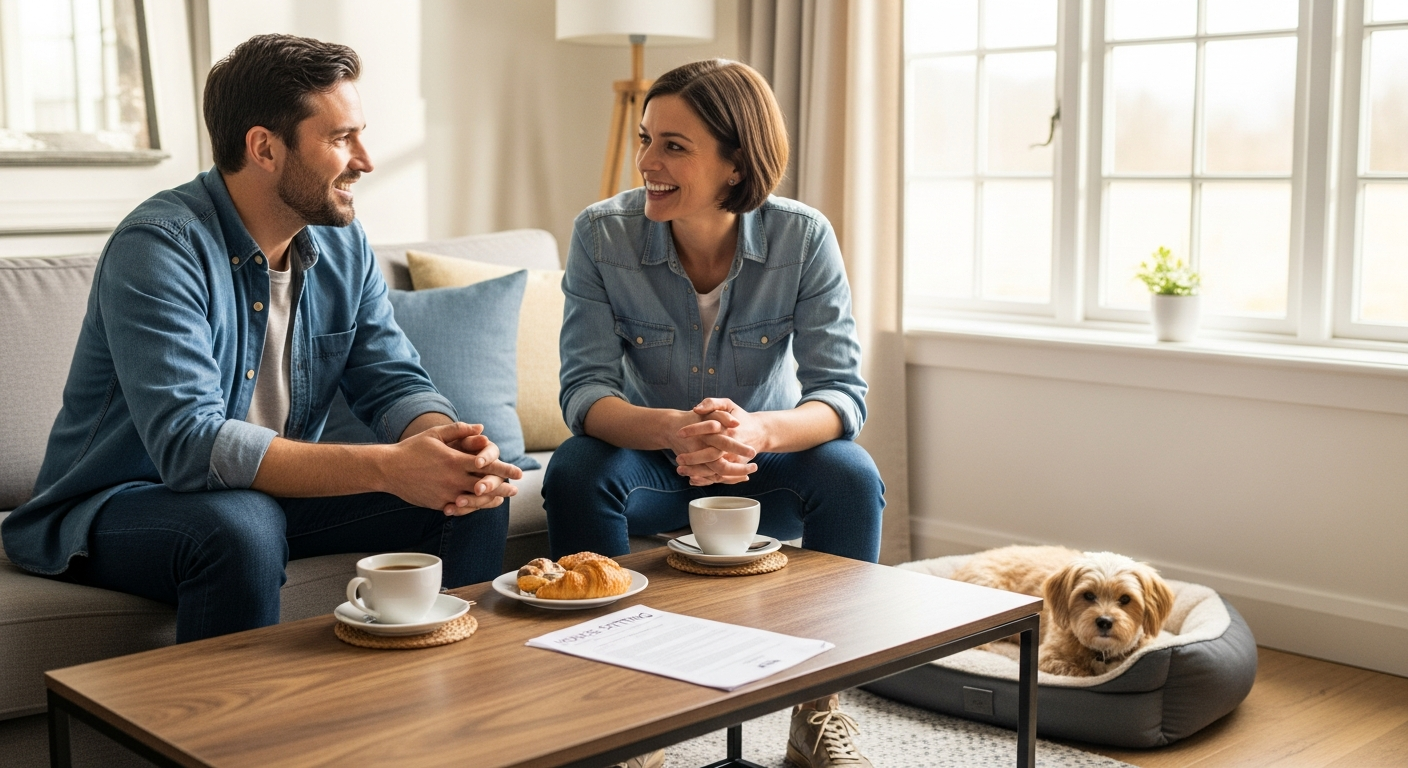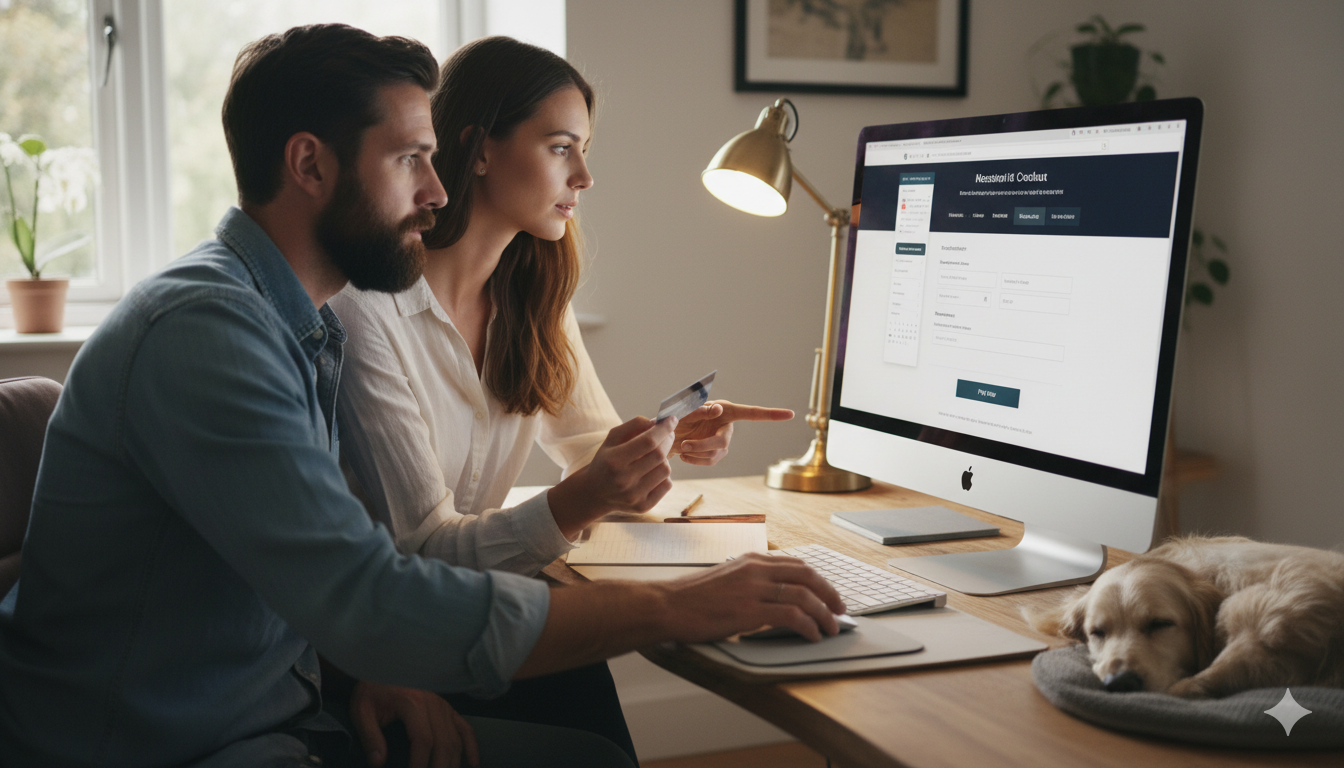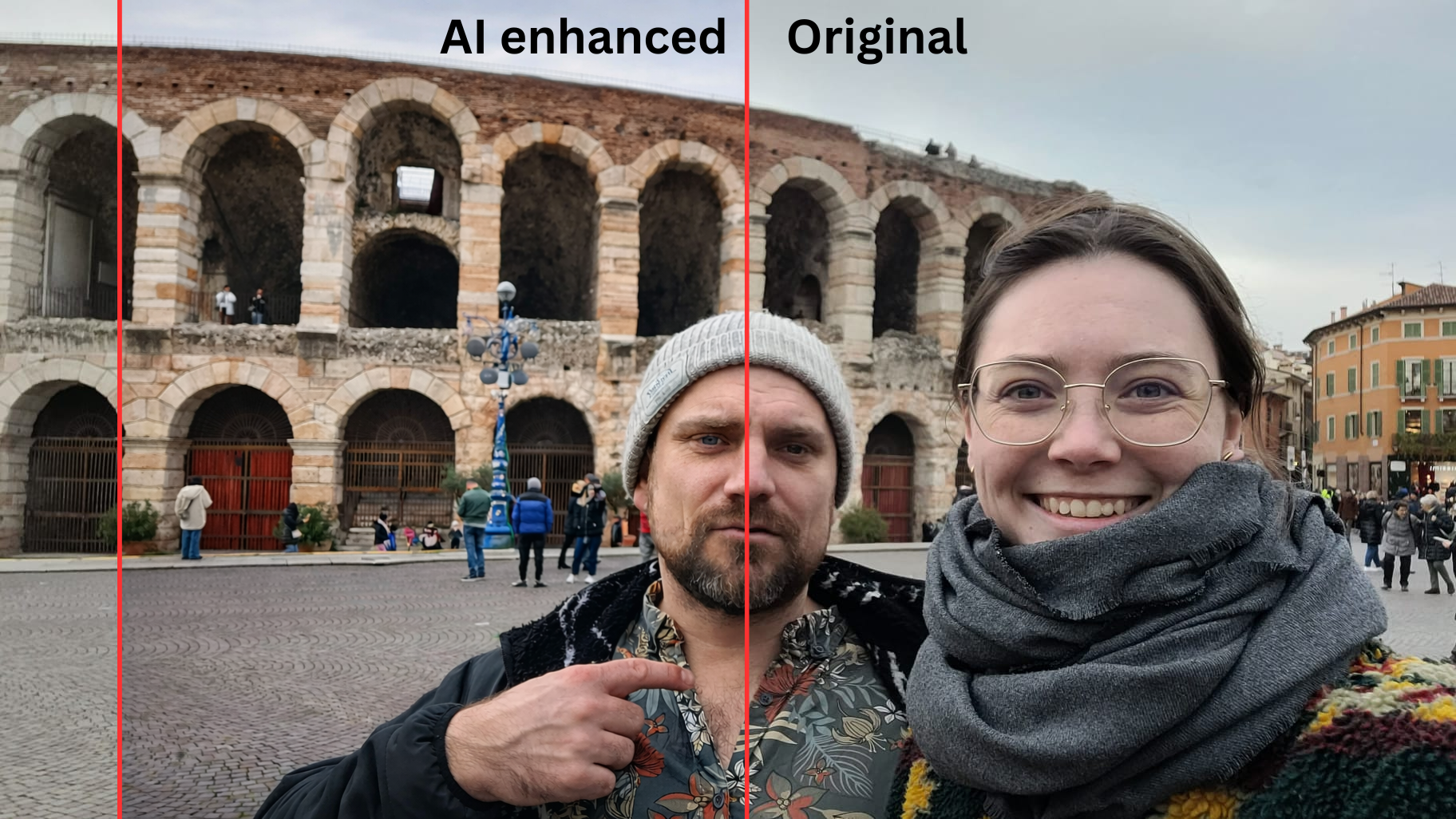
Your profile pictures are the first filter homeowners use when choosing sitters. Before they read your bio, before they check your reviews, they scan photos.
If your images look dark, grainy, or uninviting, you're getting skipped. But here's what most people get wrong: they think the solution is better camera equipment or professional photography.
It's not.
The real issue is usually photo content, not photo quality. Homeowners don't want LinkedIn headshots. They want to see you comfortable around animals, showing personality, and looking approachable.
That said, once you have the right photos, using AI to enhance your house sitting profile pictures takes 30 seconds and can significantly improve how they're perceived. This guide covers both what to photograph and how to polish those images.
The Content Problem: What Photos Actually Work
We've scrolled through hundreds of house sitter profiles on Trusted House Sitters, Nomador, and other platforms. The most common mistake isn't poor lighting or bad composition. It's wrong photo selection.
What doesn't work:
Professional headshots with blank backgrounds
Solo selfies with no context
Photos where you look stiff or overly formal
Image galleries with zero animals visible
What works:
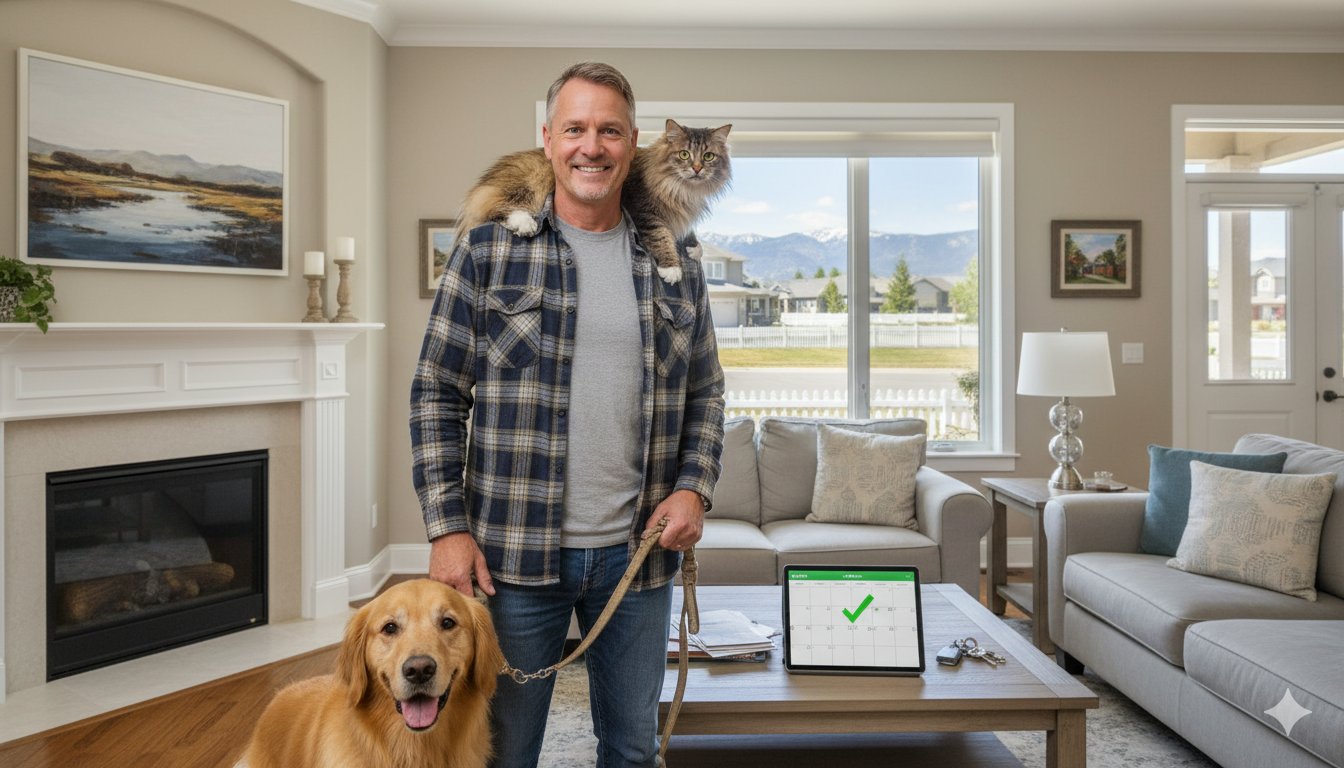
Photos of you interacting with pets (petting, playing, walking)
Candid shots from travels or outdoor activities
If you're a couple, at least one photo together to establish the relationship
A mix showing you comfortable with different animal types
Our profile includes:
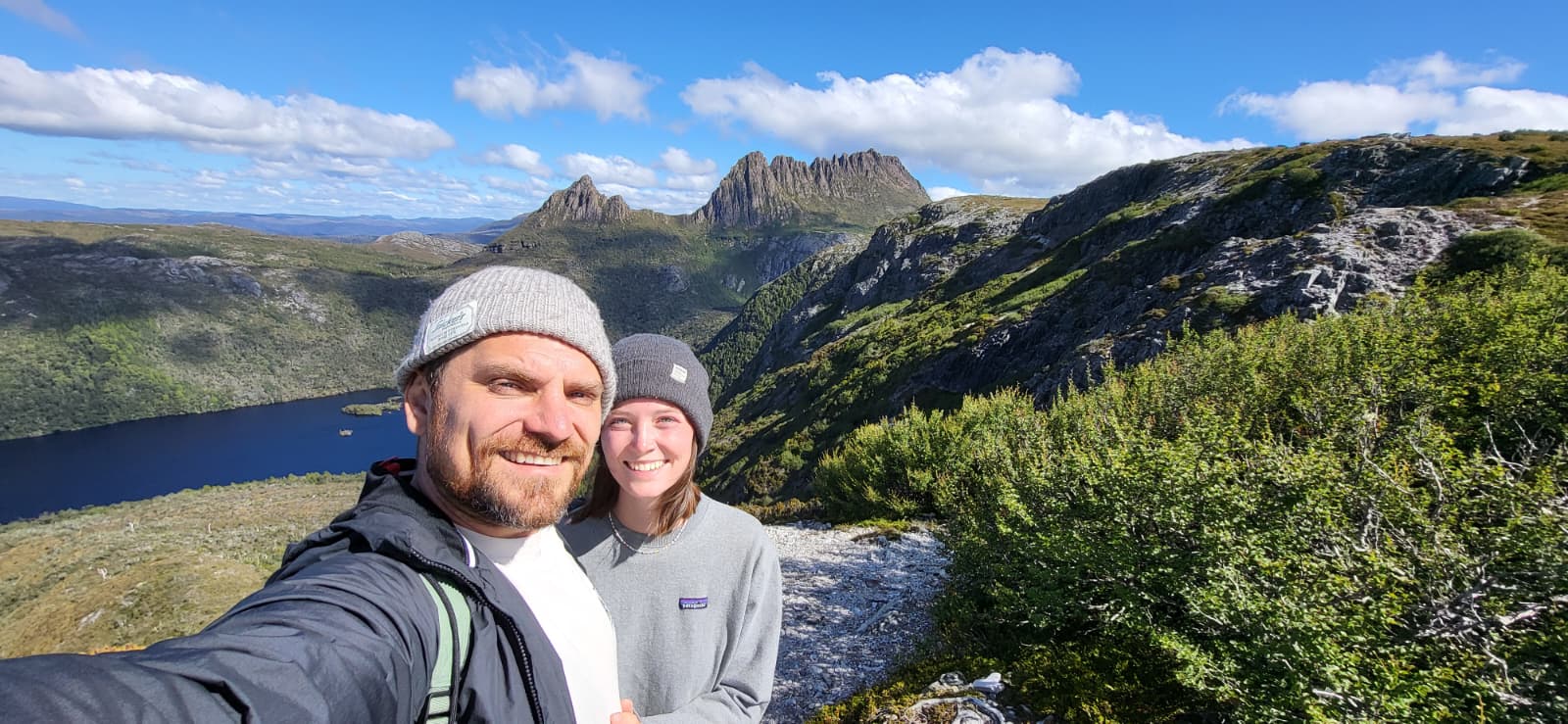
One couple photo (establishes we travel together)
Solo shots of each of us with various animals (Caro with a llama, me with horses, both of us with dogs and cats from previous sits)
Natural, relaxed expressions in all images
The goal isn't perfection. It's personality combined with competence.
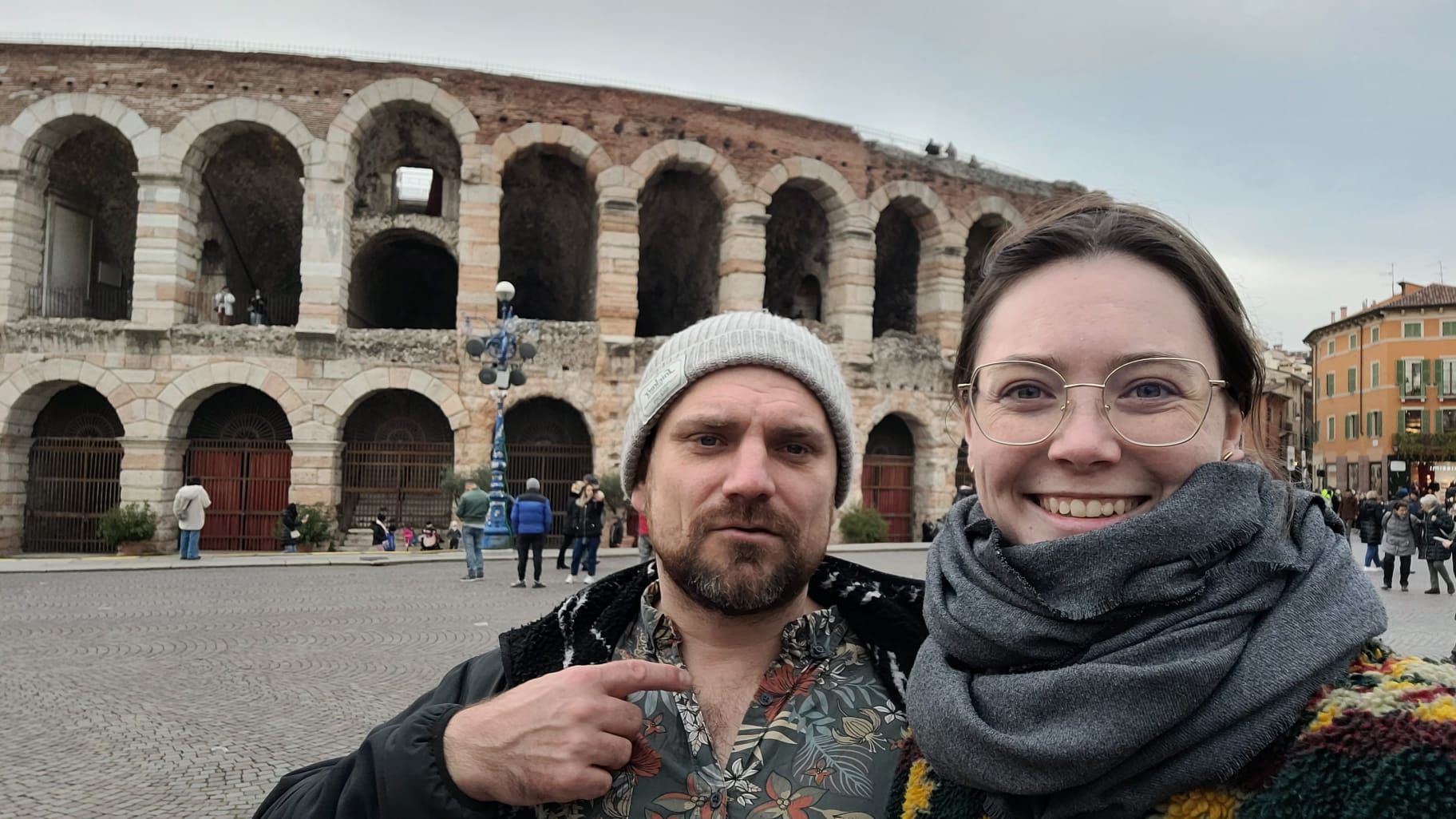
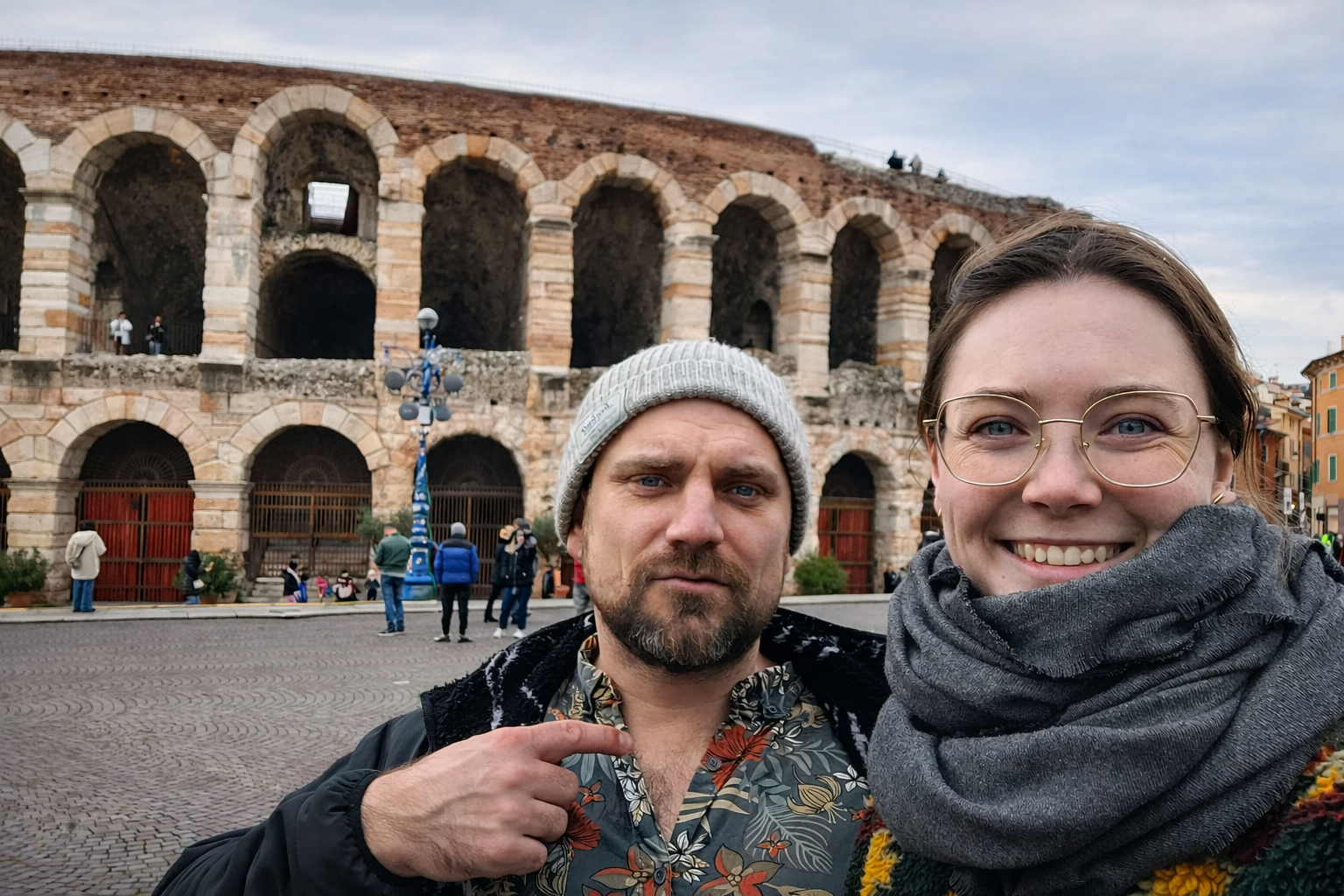
Why Photo Quality Still Matters
Content is 70% of the equation. Quality is the remaining 30%.
If you have great photos of yourself with animals but the lighting is terrible or colors are washed out, those images won't have the impact they should.
Homeowners scan dozens of profiles. Photos that "pop" with good brightness and color hold attention longer. That extra second of engagement makes the difference between your profile getting clicked or scrolled past.
This is especially critical if you're trying to get house sits without prior experience. Without reviews, your photos carry more weight.
The Quick Mobile Edit: What We Actually Use
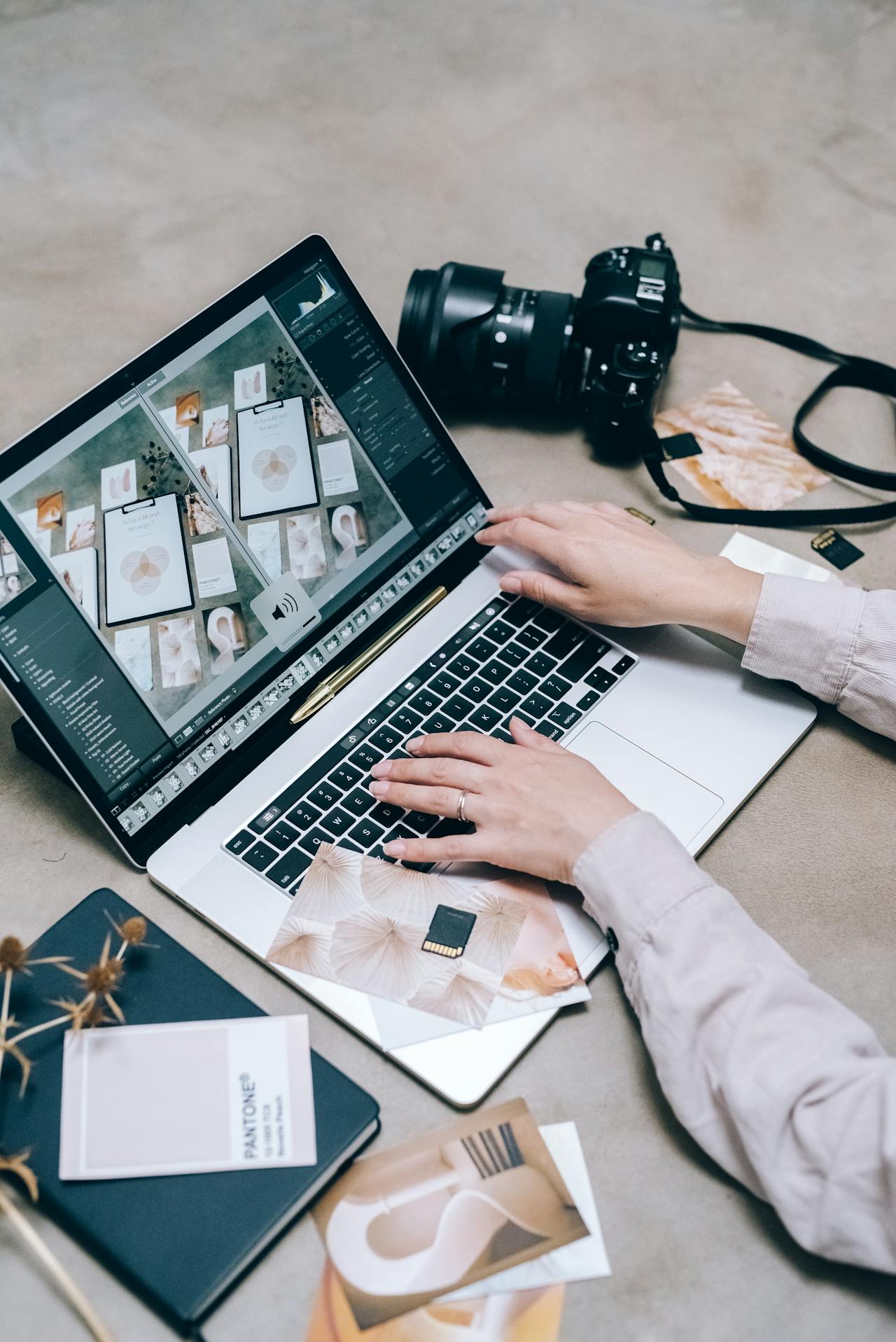
We use Snapseed on our phones for all profile picture edits. It's free, fast, and intuitive.
Our exact process:
Open the photo in Snapseed
Increase brightness slightly (just enough to see details clearly)
Boost saturation subtly (makes colors richer without looking fake)
Adjust contrast (adds depth and makes the image sharper)
Export and upload
Total time: 30-60 seconds per photo.
These minimal adjustments make photos noticeably better while keeping them natural. The images "pop" when viewed on a screen but still look like us in person.
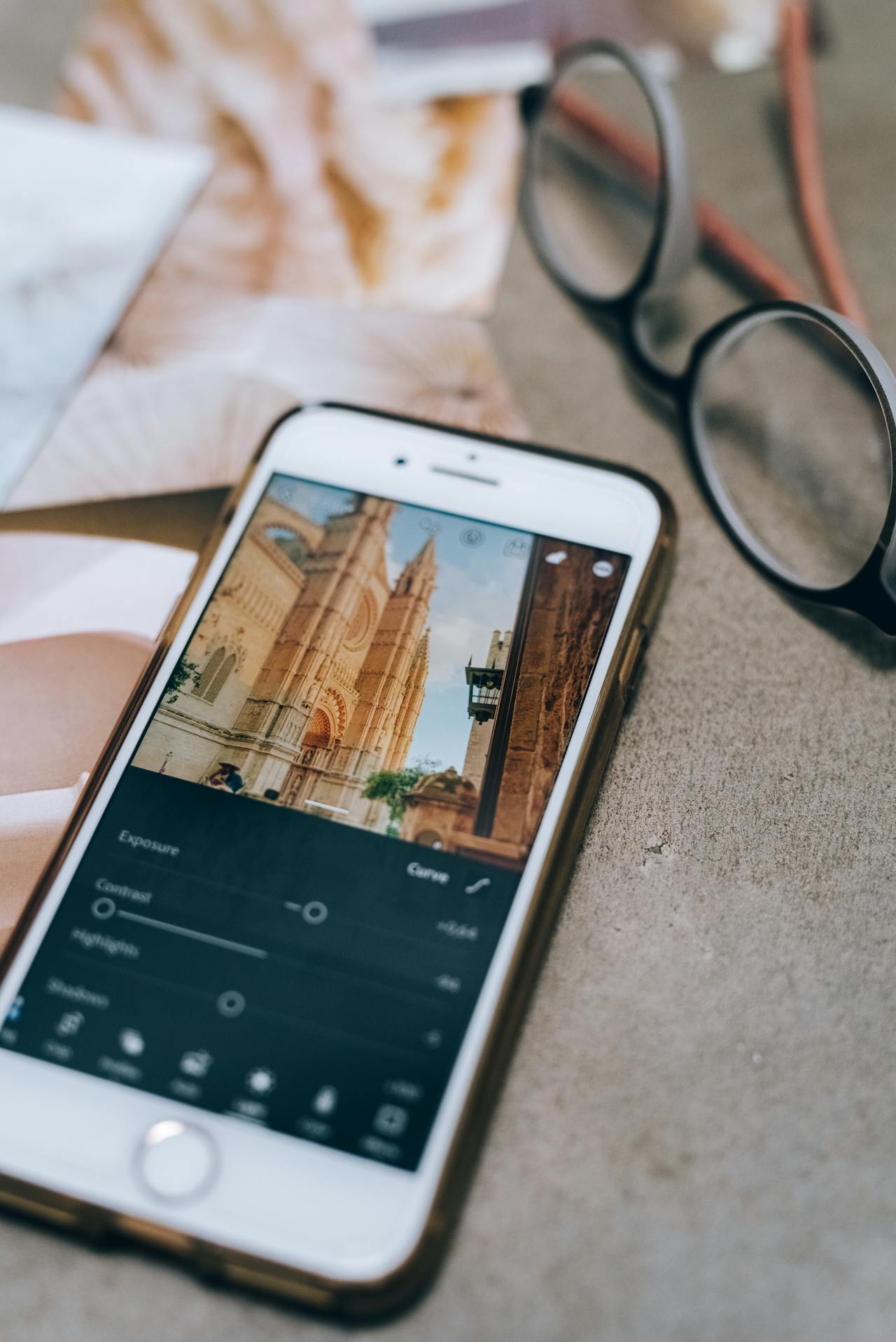
If you're comfortable with mobile editing apps, this is the fastest method. Snapseed, Lightroom Mobile, or even the built-in iPhone editor all work fine.
Update for 2026: Using On-Device AI Tools
While apps like Snapseed are great, you might already have powerful AI in your pocket. If you have a recent iPhone (iOS 18.1+) or a Google Pixel, you can use Apple’s "Clean Up" or Google’s "Magic Editor" directly in your native photo app. These tools are perfect for removing a distracting trash can in the background or a stray leash from a pet photo without needing any technical skills. Just tap the Edit button, select the Clean Up/Magic Editor icon, and circle the distraction to watch it vanish naturally.
The AI Enhancement Alternative: For People Who Don't Edit Photos
Not everyone wants to learn photo editing software. If you'd rather skip the learning curve, AI tools like ChatGPT, Gemini, or Grok can enhance images with a single prompt.
We tested this method to verify it works before recommending it. The results are consistently good, though the free versions can be inconsistent and sometimes require multiple attempts.
The prompt we recommend:
Enhance this photo to look professionally edited while keeping it natural and realistic. Improve overall lighting and exposure, balance highlights and shadows, and slightly increase contrast. Boost colors subtly for richness and clarity without oversaturation. Correct white balance for natural skin tones. Add gentle sharpness and clarity, especially to faces and key details. Reduce noise and minor imperfections while preserving texture. Keep facial features, expressions, and background authentic. Final result should look like a high-quality professional photograph, not overly retouched or artificial.
How to use it:
Open ChatGPT (or similar AI tool)
Upload your photo
Paste the prompt
Download the enhanced version
If it looks over-edited or unnatural, try again (free versions vary in consistency)
This approach requires zero technical knowledge. You're outsourcing the editing decisions to the AI while maintaining control over the final result.
The Ethics: Where to Draw the Line
Enhancement and deception are not the same thing.
Acceptable enhancements:
Improving lighting and brightness
Correcting color balance
Reducing noise or graininess
Sharpening details
Minor blemish removal (temporary things like pimples)
Unacceptable alterations:
Changing facial features or body shape
Removing wrinkles or permanent physical characteristics
Adding pets or animals that weren't in the original photo
De-aging yourself significantly
Making yourself look dramatically different from reality
The test is simple: when you appear on the house sitting video call, will the homeowner recognize you immediately?
If they feel catfished when you appear on camera, you've crossed the line. That guarantees a negative review on a house sitting site and damages your reputation permanently.
Trust is your only currency in house sitting. Don't compromise it for slightly better photos.
The Psychology: Why Better Photos Actually Work
When we get on video calls with homeowners, the conversation typically flows naturally right from the start. People seem comfortable, like we already know each other.
We've never had a homeowner explicitly compliment our photos during a call. But the familiarity is there. They've already formed a mental picture of who we are based on our profile images and initial message.
Good photos don't get praised. They create connection without being noticed.
If your photos show you relaxed around animals, smiling naturally, and looking approachable, homeowners unconsciously feel they already know you. The video call becomes a confirmation rather than an introduction.
That psychological advantage is worth the 5 minutes of editing.
Apply Consistently Across Your Gallery
Don't just enhance your main profile photo. If you have a gallery showing you with different animals or in various locations, apply the same editing approach to all of them.
A profile with one perfect headshot and five grainy, dull photos looks inconsistent. It signals lack of attention to detail.
Uniform quality across your entire gallery looks professional and thoughtful. It suggests you'll bring that same care to managing someone's home.
Whether you use Snapseed or AI enhancement, process all your visible photos the same way.
Update Across All Platforms
Once you have polished photos, use them everywhere.
Your enhanced images should appear on:
Aussie House Sitters if targeting Australia
Kiwi House Sitting for New Zealand
House Sitters Canada for Canadian sits
Rover if offering paid services
Any niche or regional platforms you use
Your profile picture is often the thumbnail shown in search results. That tiny image determines whether someone clicks through to read more about you.
Consistency across platforms also reinforces your professional approach. If a homeowner finds you on multiple sites and sees the same polished photos, it builds credibility.
Common Mistakes to Avoid
Mistake 1: Over-editing to the point of looking artificial
If your skin looks plastic or your eyes look unnaturally bright, you've gone too far. The "squint test" works well here: put your original and edited photos side by side, stand back, and squint. The overall shapes should look identical. If the AI has changed facial proportions, dial it back.
Mistake 2: Only uploading solo headshots
Homeowners want to see you with animals. If every photo is just your face against a wall, you're missing the point. Add context. Show interaction.
Mistake 3: Forgetting to update old photos
If you enhanced your main profile picture but left 8 dull, grainy photos in your gallery, the contrast looks bad. Update everything or update nothing.
Mistake 4: Using group photos where you're hard to identify
If you're in a photo with 6 other people at a party, crop it or choose something else. Homeowners shouldn't have to guess which person you are.
Mistake 5: Inconsistent editing styles
If one photo is warm-toned and vibrant while another is cool-toned and muted, it looks disjointed. Stick to one editing approach across all images.
Does This Actually Impact Booking Rates?
We can't prove causation, but we've noticed patterns.
Profiles with clear, bright, personality-driven photos get clicked more often. Higher click-through rates lead to more applications being read. More applications read means more video calls scheduled.
This matters most when you're competing for desirable sits. If 40+ people are applying for the same property (as happened with our Swiss chalet sit), every advantage counts.
Your photos won't compensate for a weak house sitting profile or lack of reviews. But they can be the tiebreaker when multiple qualified applicants are considered.
Think of photo quality as removing friction. It's not the reason you get chosen, but it prevents you from being eliminated early.
The Bigger Picture: Professional Presentation
Photo enhancement is one piece of a larger strategy.
If you're serious about house sitting as a lifestyle or income source, treat it professionally:
Polish your photos (via Snapseed or AI)
Write compelling, customized applications (consider using AI for winning house sit applications)
Optimize your profile copy (learn how to write winning house sitting profiles)
Communicate clearly and promptly
Deliver exceptional results on every sit
Visual presentation is the entry point. Everything else determines whether you actually get selected and build a sustainable track record.
For those wondering is house sitting worth it, the answer depends on how professionally you approach it. Casual efforts get casual results. Polished presentation and consistent execution unlock opportunities.
Action Steps
If you're ready to improve your profile pictures:
Step 1: Audit your current photos
Look at your existing profile honestly. Do you have images with animals? Are the photos bright and clear? Do they show personality?
Step 2: Identify gaps
If you're missing animal interaction photos, schedule time with a friend's pet or visit a farm/animal sanctuary. Get the content right first.
Step 3: Choose your editing method
Comfortable with apps? Download Snapseed and make quick adjustments (brightness, saturation, contrast)
Prefer AI? Use the ChatGPT prompt provided above
Either method works. Pick whichever fits your workflow
Step 4: Edit consistently
Apply the same approach to all photos in your gallery. Uniform quality matters more than individual perfection.
Step 5: Update everywhere
Replace photos across all platforms you use. Consistency builds credibility.
Step 6: Test and refine
After updating, monitor whether your application response rate improves. If not, the issue might be profile copy or application strategy rather than photos.
Final Thoughts
Good photos don't guarantee house sitting success. Bad photos can prevent it.
We've seen talented, experienced sitters struggle to book sits because their profiles looked unprofessional or unapproachable. We've also seen beginners with zero experience land competitive sits partly because their photos communicated warmth and competence.
The barrier to entry is low. 30 seconds of editing per photo. A simple prompt in ChatGPT. Minimal effort for meaningful impact.
Get the content right first (photos with animals, personality, approachability). Then polish those images with basic editing or AI enhancement.
The goal isn't to look like someone else. It's to look like the best, clearest version of yourself.
Konrad & Caro 🐾🚐
DM us @housesittersguide if you have questions.
Which specific AI tools yield the best results for enhancing profile photos?
Any multimodal AI, such as ChatGPT, Gemini, and Grok work really well. We used ChatGPT because it's free, works fast, and does an amazing job making the pictures look more vibrant while keeping them natural.
How does AI photo enhancement impact homeowner trust levels?
It peaks a person's interest more. If you upload a picture that is dull, people will just skim over it. If the images are nice and inviting, they are more likely to keep Homeowners scrolling a little longer, making them feel better connected with the person in the photos.
What are common AI editing mistakes that ruin house sitting profiles?
The biggest mistake is over-doing the editing. You must keep it looking as natural as possible—just make sure that the colors pop a little more. Avoid altering facial features or removing permanent physical traits.
Should you apply AI enhancements to pet photos or just portraits?
I would get all the images retouched with AI to keep them looking consistent. Having a gallery with uniform lighting and quality looks much more professional than a mix of good and bad photos.
Where is the ethical line between enhancement and deception in profile photos?
The moment you start asking the AI to change images completely, like adding animals, removing wrinkles, or de-aging, is the moment it becomes questionable. Most people will see through it, and it could actually affect your response rate in the long run.