

Home > Blog > How to Test WiFi Before a House Sit
Quick Facts
| Best indicator of WiFi quality | The video call itself — if the homeowner's connection is stable, yours will be too |
| Ookla speed test minimum | 5 Mbps is workable for most tasks; 25 Mbps for reliable video calls |
| Homeowners with Starlink | Immediate signal that internet will be fast — no further checks needed |
| If internet is subpar | Homeowners usually disclose it in the listing or mention it on the call |
| Best backup option | Dedicated phone with a large data plan tethered to all devices |
| Our backup | 400GB mobile data plan, used across all devices via hotspot |
| Our record | 20 sits across 12 countries — significant internet issues on exactly one |
Across 20 sits in 12 countries, the internet has caused meaningful disruption exactly once. The pre-sit video call is the real speed test: a stable thirty-minute call confirms the connection handles remote work. Above 25 Mbps is comfortable. We carry a backup phone on a 400GB data plan.
In 20 sits across 12 countries, the internet has only caused meaningful disruption once. In Manosque, France, the connection would cut out briefly, perhaps once a day for no more than five minutes at a time. Looking back, the homeowner's video call had dropped out a few times while she was walking around the house. In hindsight that was an early indication. In practice, the outages were short enough that they simply prompted us to put the laptops away and spend time with the dog instead.
If you are interested in getting into house sitting, our book Travel More for Less puts the whole process in one place: clear, step by step guidance from your first questions to your first confirmed sit, and the reviews that open the door to the next one.
Why WiFi Is Rarely the Problem
The honest starting point: in most homes, the internet is fine. Homeowners who work from home, stream television, or spend significant time online have already invested in a connection that meets their own daily needs, and those needs are usually at least as demanding as a house sitter's.
The sits where internet quality is a concern are the exception: rural properties with limited infrastructure, older homes in remote areas, or listings where the homeowner has explicitly mentioned limited connectivity. In those cases, the homeowner will almost always flag it in the listing or bring it up on the video call. They know it is a potential issue for sitters and most are upfront about it.
If a listing does not mention internet limitations and the homeowner does not raise it on the call, the assumption that the connection is adequate is almost always correct. Out of 20 sits including properties in France, Greece, Italy, Switzerland, Germany, Australia, and Spain, we have encountered significant internet problems exactly once.

The Video Call Is the Real Speed Test
The most useful WiFi check is not a formal speed test. It is the pre-sit video call itself.
A stable, clear video call tells you the home has a connection strong enough to support exactly the type of work most remote sitters do. If the homeowner's video is crisp, their audio is uninterrupted, and the call runs for thirty minutes without freezing or dropping, that is a real-world demonstration of the connection quality. Any speed test result would confirm the same thing in less useful terms.
The reverse is also true. If the homeowner's video call drops out, pixelates frequently, or struggles when they move to different rooms in the home, that is a signal worth noting. The Manosque connection issues were arguably visible in exactly this way during the original call: small disruptions that in hindsight pointed to the intermittent nature of the connection.
This is the WiFi check we run on every sit without thinking about it, because the video call is already part of our standard process. No additional step required.
When to Ask for a Speed Test
If a sit involves heavy internet use (large file uploads, frequent video calls with clients, streaming high-resolution content, or work that depends on sustained fast speeds) asking for a formal speed test is reasonable and professional.
The most reliable method is to ask the homeowner to run a test at speedtest.net by Ookla and send you a screenshot. Frame it practically:
"I work online and just want to make sure the connection will handle what I need. Would you mind running a quick speed test and sharing the result?"
Most homeowners are happy to do this. It signals that you are serious about your work rather than treating the sit as a holiday.
Reading the result: download speed above 25 Mbps handles most remote work comfortably including video calls. Between 10 and 25 Mbps is workable for most tasks. Between 5 and 10 Mbps covers basic browsing, article writing, and standard-definition streaming. Below 5 Mbps will be slow for anything beyond light browsing. Our own minimum threshold is around 5 Mbps. We run our phones off a spare phone when we campervan on rural overnight stops and manage perfectly well at that speed for social media, YouTube, and day-to-day work tasks.
| Speed | What you can do | House sit verdict |
|---|---|---|
| Under 5 Mbps | Basic browsing, reading, light email — video calls will struggle or drop | Usable for low-demand work only; ask about mobile backup before confirming |
| 5–25 Mbps | Standard browsing, social media, YouTube, article writing, standard-definition video calls | Workable for most remote work — our personal minimum threshold |
| 25–100 Mbps | HD video calls, cloud file uploads, streaming in HD, multiple devices simultaneously | Comfortable for full-time remote work with no compromises |
| 100 Mbps and above | Large file uploads, 4K streaming, multiple simultaneous video calls, fast backups | Excellent — Starlink typically lands here; no further checks needed |
If a homeowner mentions they have Starlink, that is the end of the conversation. Starlink delivers 100-200 Mbps in most locations and has become increasingly common among rural homeowners. Any mention of it on the listing or in the video call is a reliable signal that internet speed will not be a constraint.
Your Backup: The Dedicated Data Phone
Even the best verification process does not guarantee a connection that holds up through an entire sit. The practical solution is a backup that is always available regardless of the home's infrastructure.
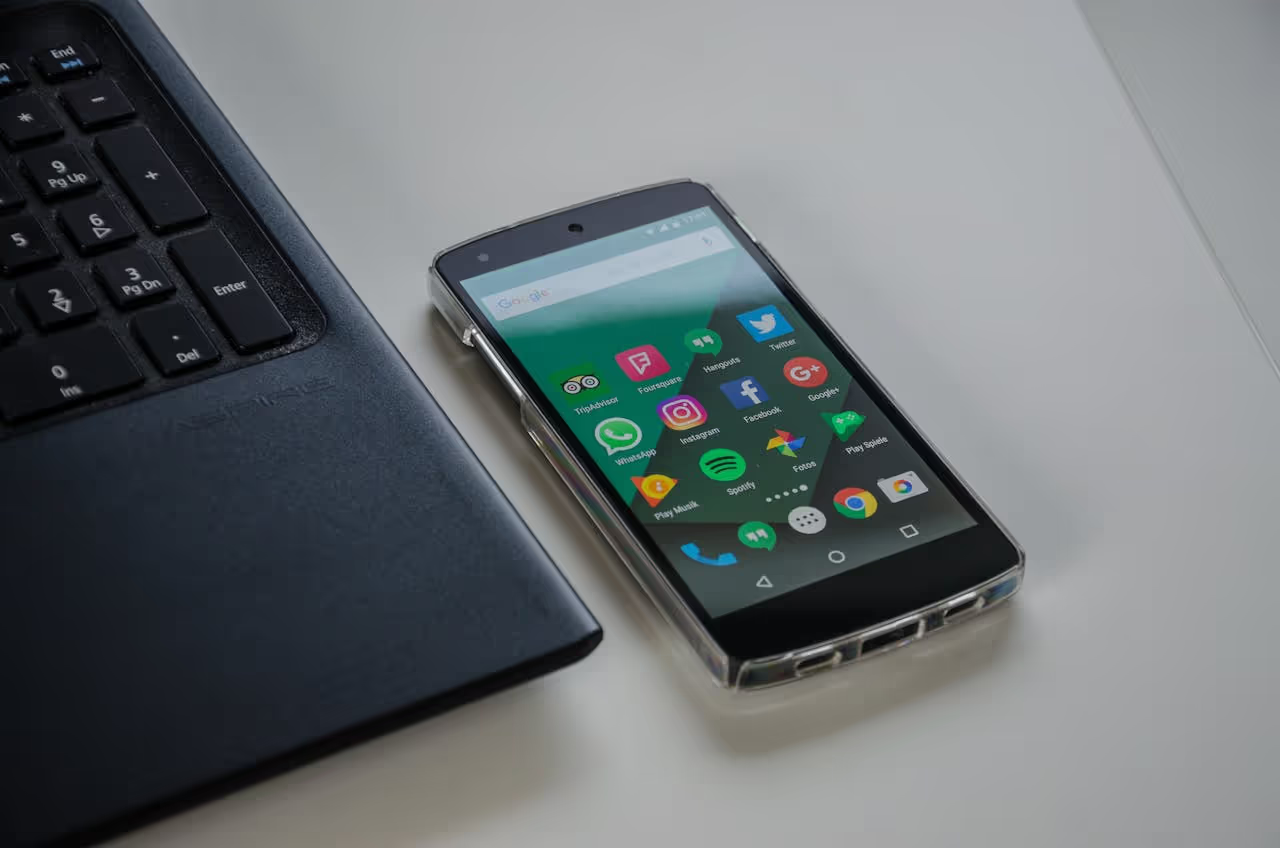
We carry a dedicated phone loaded with a 400GB mobile data plan. This phone acts as a permanent hotspot, distributing a 5G connection to our laptops, main phones, and any other devices over WiFi. Tethering to a separate device rather than enabling hotspot on our primary phones has a specific advantage: it keeps the primary phones connected to the hotspot over WiFi rather than drawing on their own mobile data, which significantly reduces battery drain. This is particularly useful for life in the van where power conservation matters, but the same principle applies to any setup where you are using multiple devices simultaneously.
400GB is more than enough for sustained work including video uploads, large file transfers, and streaming. We have rarely come close to the limit. In Europe and Australia, 5G coverage is reliable in most urban and suburban areas, and the cost of a large-capacity prepaid plan is modest relative to the convenience.
For most house sitters the backup data plan will rarely be needed. For remote workers with deadlines and client calls, it removes the one variable that cannot be fully controlled before arrival.
What Homeowners Usually Tell You Without Being Asked
In practice, most of the WiFi information you need comes to you without requesting it.
Homeowners who know their internet is excellent tend to mention it unprompted. "We have fibre," "we just upgraded to Starlink," or "the connection is very fast, my husband works from home" are all things we have been told during video calls with no prompting. Homeowners are proud of a good setup and volunteer this information because they know it makes the sit more attractive.
Homeowners who know their internet has limitations also tend to be upfront, because they would rather address it before the sit than deal with a frustrated sitter mid-way through. "The connection is a little slower in the evenings" or "the signal in the garden is not as strong" are typical pre-emptions from homeowners who are being thorough. This kind of transparency is a positive signal about the homeowner overall.
The sits where internet quality becomes a surprise issue tend to be sits where the homeowner has never thought about it. They stream and browse comfortably and have not noticed that their connection would be inadequate for a specific professional need. Asking the question during the pre-sit conversation is the way to surface this. "Do you have high-speed internet at the home? I work online and want to make sure I can manage calls and uploads without issues." A direct question gets a direct answer.
Conclusion
WiFi quality is one of the more manageable variables in house sitting. The video call gives you a live demonstration of the home's connection. The homeowner's own use of the internet means most properties have a setup that handles remote work without issue. Starlink is an immediate green light. A formal speed test is the right move for any sit where your work is bandwidth-intensive.
The backup data plan is the safety net that means internet quality is never a sit-ending problem regardless of what the home provides.
For anyone combining remote work with house sitting long-term, our remote workers guide covers the full picture: the financial case for eliminating rent entirely, how to balance pet care with work schedules, and which platforms carry the longest available sits.
Join TrustedHouseSitters with 25% off using our discount link and start your first sit with the confidence that the WiFi will almost certainly be fine.
DM us @housesittersguide on Instagram with specific questions. We answer everyone.

Frequently Asked Questions
How do I check WiFi speed before a house sit?
The video call is the best check. A stable thirty-minute call confirms the connection handles the type of work most remote sitters do. For additional confirmation, ask the homeowner to run a speed test at speedtest.net and send you a screenshot. Anything above 25 Mbps handles video calls comfortably. Above 5 Mbps is workable for most remote tasks.
What is a good internet speed for house sitting as a remote worker?
5 Mbps is a workable floor for standard remote work. 25 Mbps handles video calls reliably. 50 Mbps and above covers heavy use including large uploads. If the homeowner mentions Starlink, expect 100-200 Mbps and no further checks are needed. Our remote workers guide covers the full setup for working online from sits.
What do I do if the internet is bad during a house sit?
Use your mobile data backup. A dedicated phone with a large prepaid data plan tethered to your devices covers any gap in home internet. Contact the homeowner if outages are frequent. They may not know, and it may be as simple as a router reset or unpaid bill. Brief outages are manageable. Persistent poor connection is worth raising directly.
Do homeowners tell you about WiFi quality before a sit?
Usually yes, in both directions. Homeowners with fast internet mention it unprompted because it makes the listing more attractive. Homeowners with limitations often flag it because they would rather address it before the sit. A direct question during the video call ("do you have high-speed internet for work?") reliably surfaces anything that has not already been mentioned.




Responses
What are your thoughts on this post?